Disable Expiration Notifications
Last updated
You can turn off DNSimple’s expiration notifications for a domain you plan to let expire. The option appears only when auto-renewal is off for the domain.
To disable expiration notifications for a domain
- If you have more than one account, select the relevant one from the account switcher in the top-right corner of the screen.
- On the header, click the tab. Click the relevant domain name to access the domain page.
-
On the tab, in the section, click .
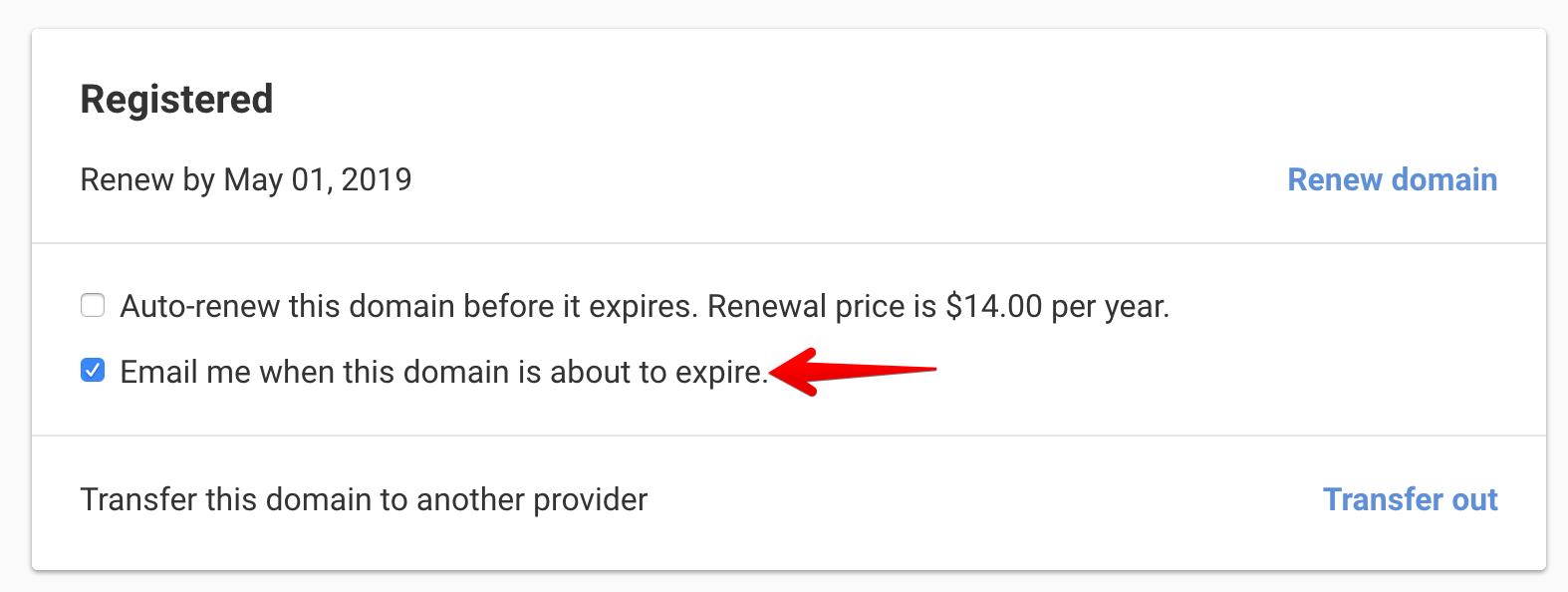
To turn the notifications back on, click in the same section. The ICANN-required expiration notices sent to the registrant cannot be turned off.
Be careful with this feature. You will not get any notifications of expiration of domains for which you disable these notifications.
Have more questions?
If you have any questions about disabling expiration notifications, just contact support, and we will be happy to help. You can also read more about domain registration at DNSimple.