How to Find Your SSL Certificate Authority
Last updated
You can determine which certificate authority (CA) signed your SSL certificate by checking the certificate details in your browser or using command-line tools.
Certificate From DNSimple
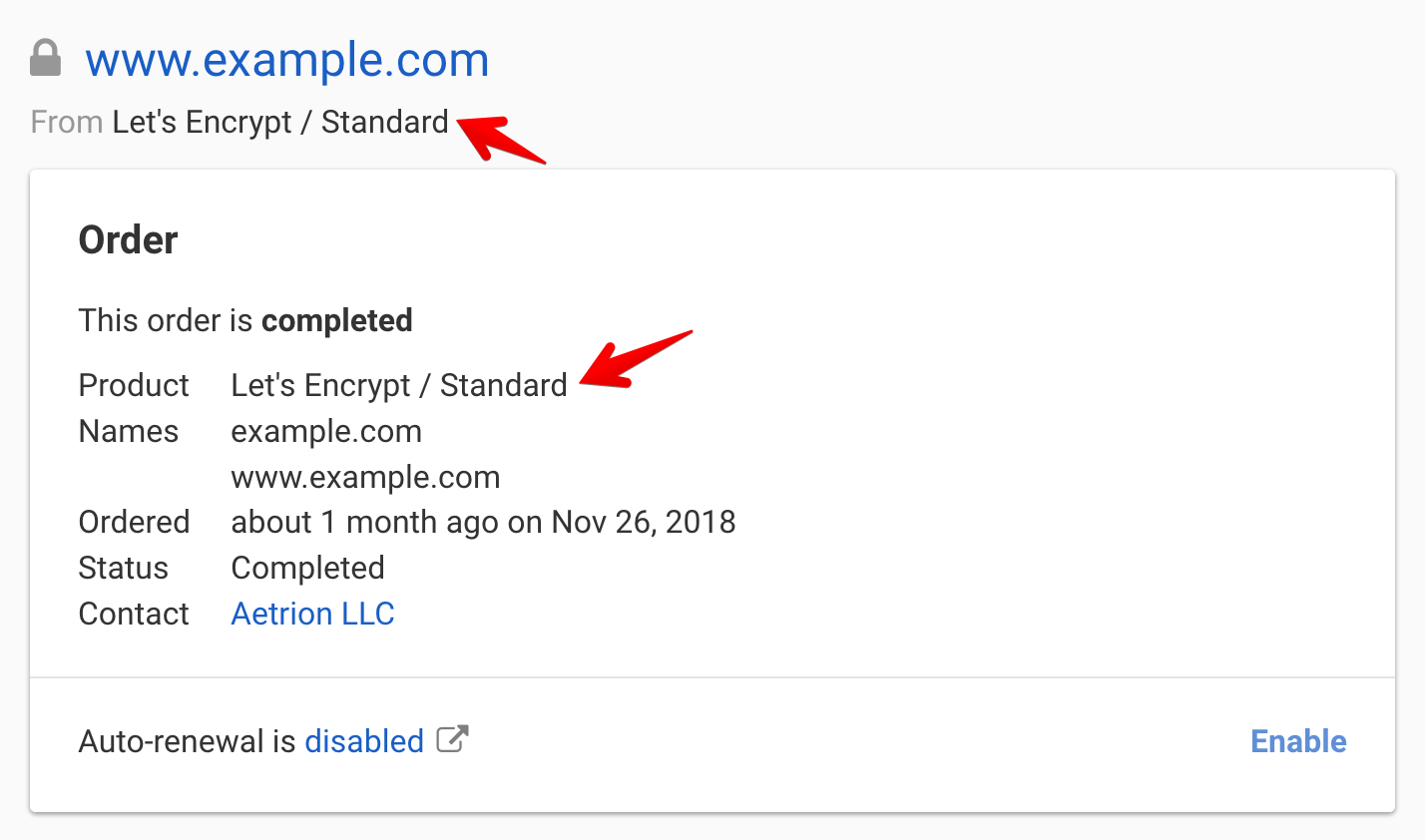
When you request an SSL certificate with DNSimple, the certificate authority is shown in the line of the card on the certificate page:
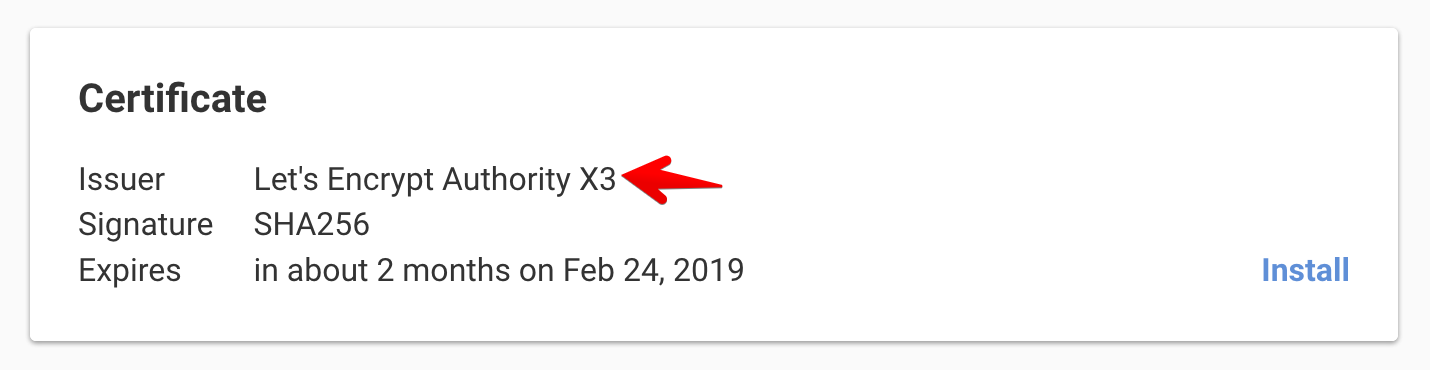
Once the SSL certificate is issued, DNSimple also reads the issuer from the certificate and shows it in the line of the card:
If you cannot access your SSL certificate page, or you did not request the certificate using DNSimple, then use the following generic procedure to determine the certificate authority.
Generic Procedure
To determine the Certificate Authority that issued your certificate, open the website in a browser and click on the certificate information.
The steps to view the certificate information depend on the browser. For instance, in Google Chrome, click the icon to the left of the web address, then click .

Search for the issuer organization name. Please note that, in some cases, Certificate Authorities may delegate the signing process to subsidiaries or acquired companies.
For instance, in the example above, shows the Common Name YR1, which is one of Let’s Encrypt’s intermediate certificates. The certificate authority’s name, Let’s Encrypt, is in the field.
Learn more about the certificate authorities used by DNSimple.
Have more questions?
If you have any questions or need assistance, contact support, and we will be happy to help.