Activity Tracking
Last updated
Table of Contents
- Why activity tracking matters
- Domain activity tracking
- Account activity tracking
- Events filter
- Have more questions?
Note
Full activity history, with date range and event filters, is available on the Teams plan and higher. Accounts on the Solo and Solo Pro plans can view the last month of activity. See the difference between plans.
The activity log records changes made to a domain or to your account. Each entry shows what changed, who changed it, and when.
Why activity tracking matters
When more than one person works in an account, the activity log answers questions like “who deleted this record?” or “when did the name servers change?” Use it to:
- Find the change behind a problem, such as a website that stopped resolving
- Spot changes nobody on your team remembers making, which can mean someone else has access to the account. See Account security.
- Look back at how a domain’s settings changed over time
The log includes changes made in DNSimple, through the dashboard or the API. It does not include:
- Changes made outside DNSimple, such as directly at the registry or in another DNS provider’s dashboard
- Record changes made in DNSimple that only apply to an integrated DNS provider zone. A change is logged when it also updates the DNSimple zone.
Domain activity tracking
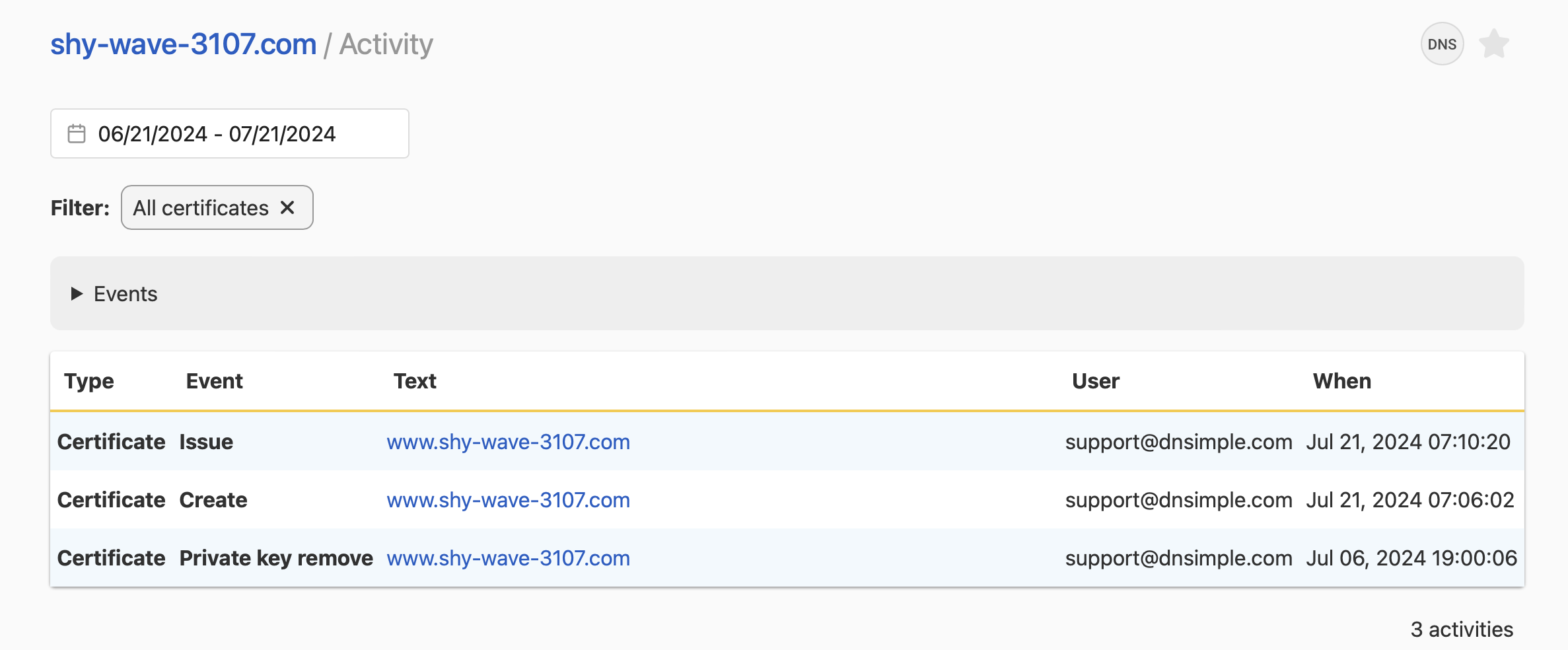
The domain activity log lists changes to a single domain: DNS records, contacts, name servers, and other domain settings. Each entry shows the change, the user who made it, and the time.

Account activity tracking
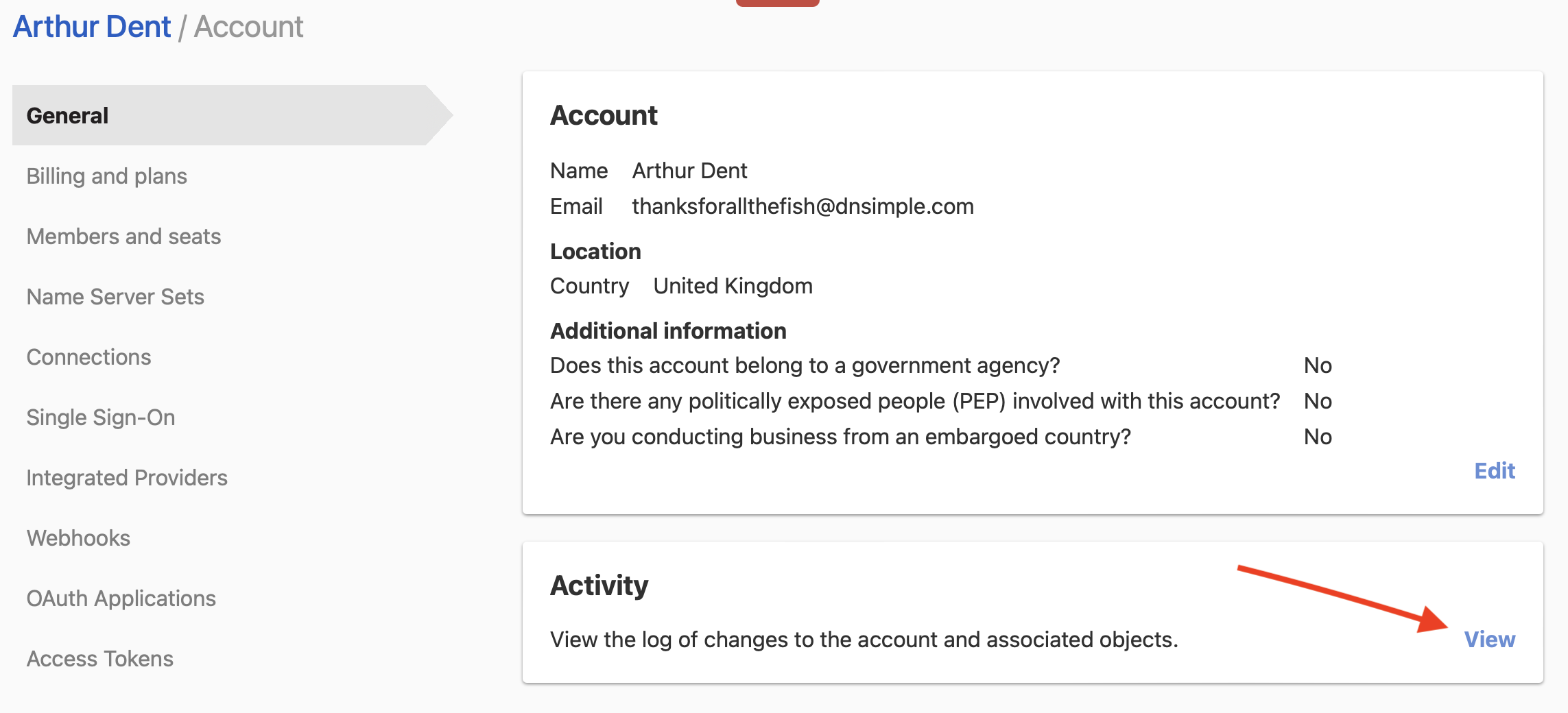
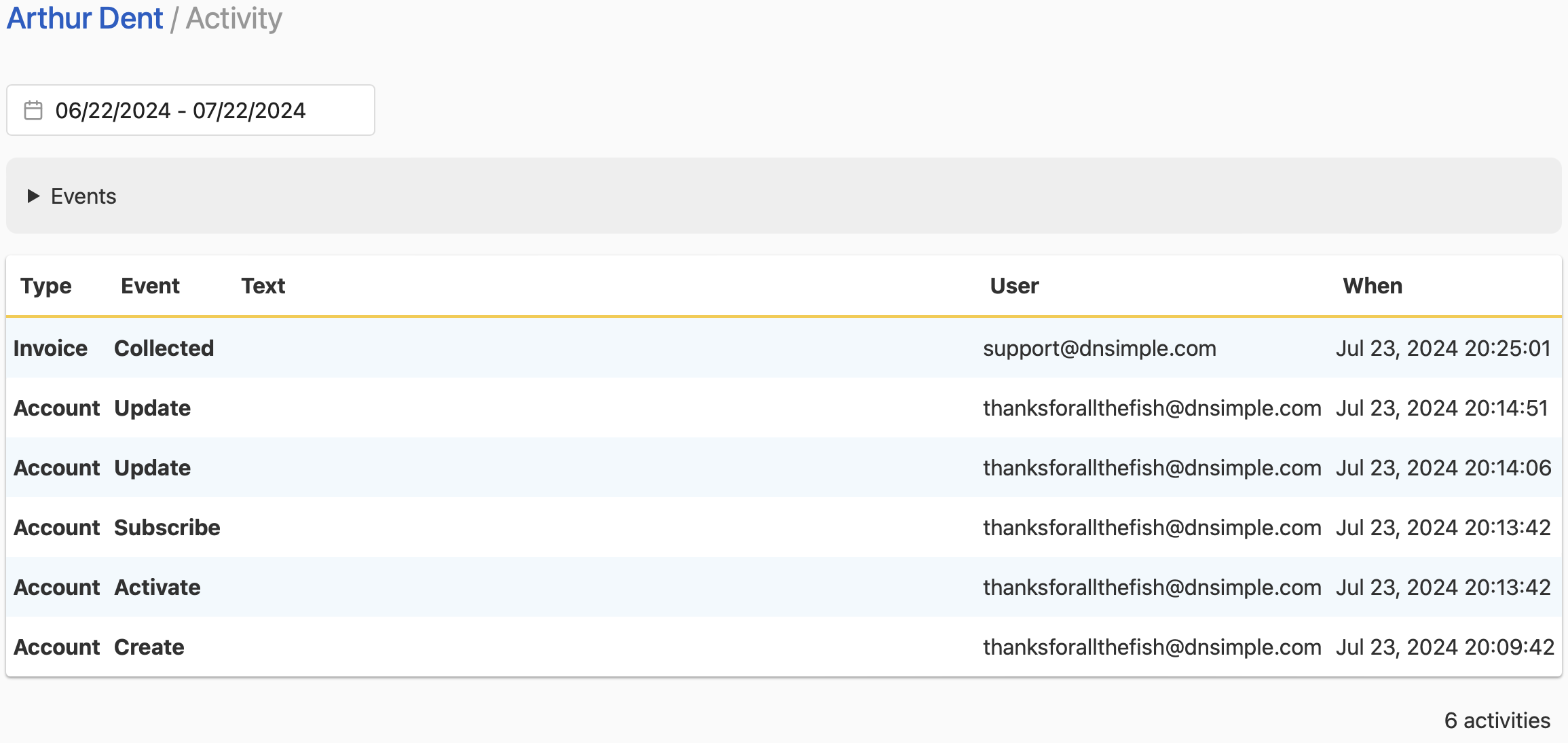
The account activity log covers changes that are not tied to one domain:
- Account settings
- Changes that affect several domains at once
- Users and their permissions
- Account access tokens: creating, disabling, enabling, or deleting a token
Events filter
Use the Events filter to show one type of event, such as DNS changes or user actions, within a date range. Each entry lists:
- What changed, with details such as the record content
- The user who made the change
- When it happened
Have more questions?
If you have any questions about your activity tracking, contact our support team, and we will be happy to help. You can also read more about domain and DNS security at DNSimple.