Atmail One-click Service
Last updated
Table of Contents
Atmail provides hosted email. The Atmail one-click service adds two MX records that send the domain’s email to your Atmail account, and a CNAME record for webmail. All three are based on your Atmail username.
Add the domain in Atmail first
Add the domain to your Atmail account before you apply the service, and note your Atmail username.
Add the Atmail service
To add the Atmail service
- From the domain list, click the domain name.
- Click the tab on the left side.
-
In the card, click , or if the domain already has a service.
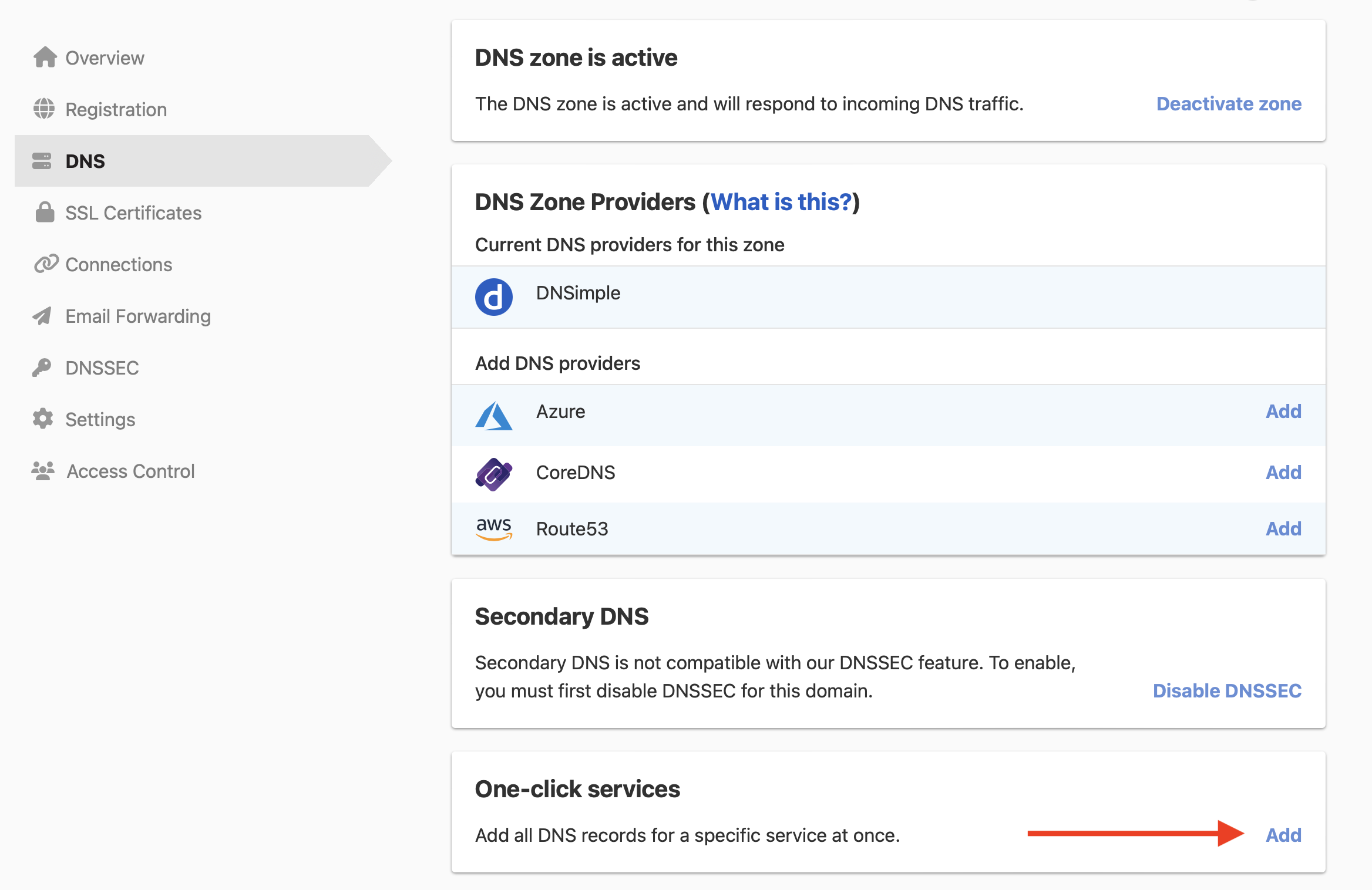
-
Click the tab, and click next to Atmail.

- In , enter your Atmail username. DNSimple adds
.atmailcloud.com. - Click .
Warning
The service’s MX records send all email for example.com to Atmail. If the domain already has MX records for another provider, mail goes to the record with the smaller priority number first. Keep only the MX records for the provider you use. See Managing MX Records When Changing Email Providers.
To check the MX records afterward, use Google’s Check MX tool. To remove the service later, see Remove a one-click service.
Have more questions?
If you have additional questions or need any assistance with the Atmail service, contact support, and we’ll be happy to help. You can also read more about DNSimple integrations.