Expiring Domain Email Notifications
Table of Contents
ICANN, the organization that oversees domain name registrations for most top-level domains, requires notifications to be sent about domains registered with us that will expire soon. These notifications come directly from our upstream partners and are sent to the registrant email address for the domain.
You may receive emails similar to the following, up to three times for each expiring domain – even if domain auto-renewal is enabled:
Why ICANN requires expiration notifications
ICANN mandates expiration notifications to ensure domain owners are informed about upcoming expirations, giving them adequate time to renew if needed. These notifications are sent regardless of auto-renewal status because ICANN’s policy focuses on transparency and ensuring registrants are aware of their domain’s status. Even with auto-renewal enabled, you receive these notifications because payment failures or other issues could prevent successful auto-renewal, and you need to be aware of the expiration date to take action if necessary.
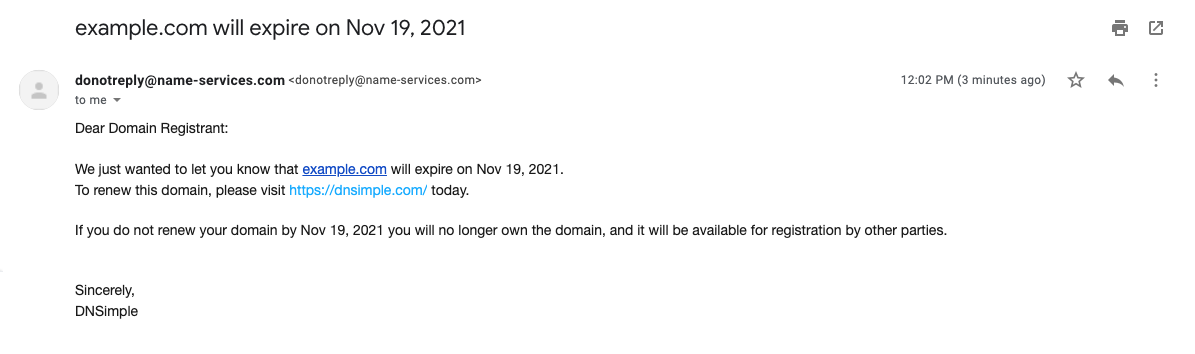
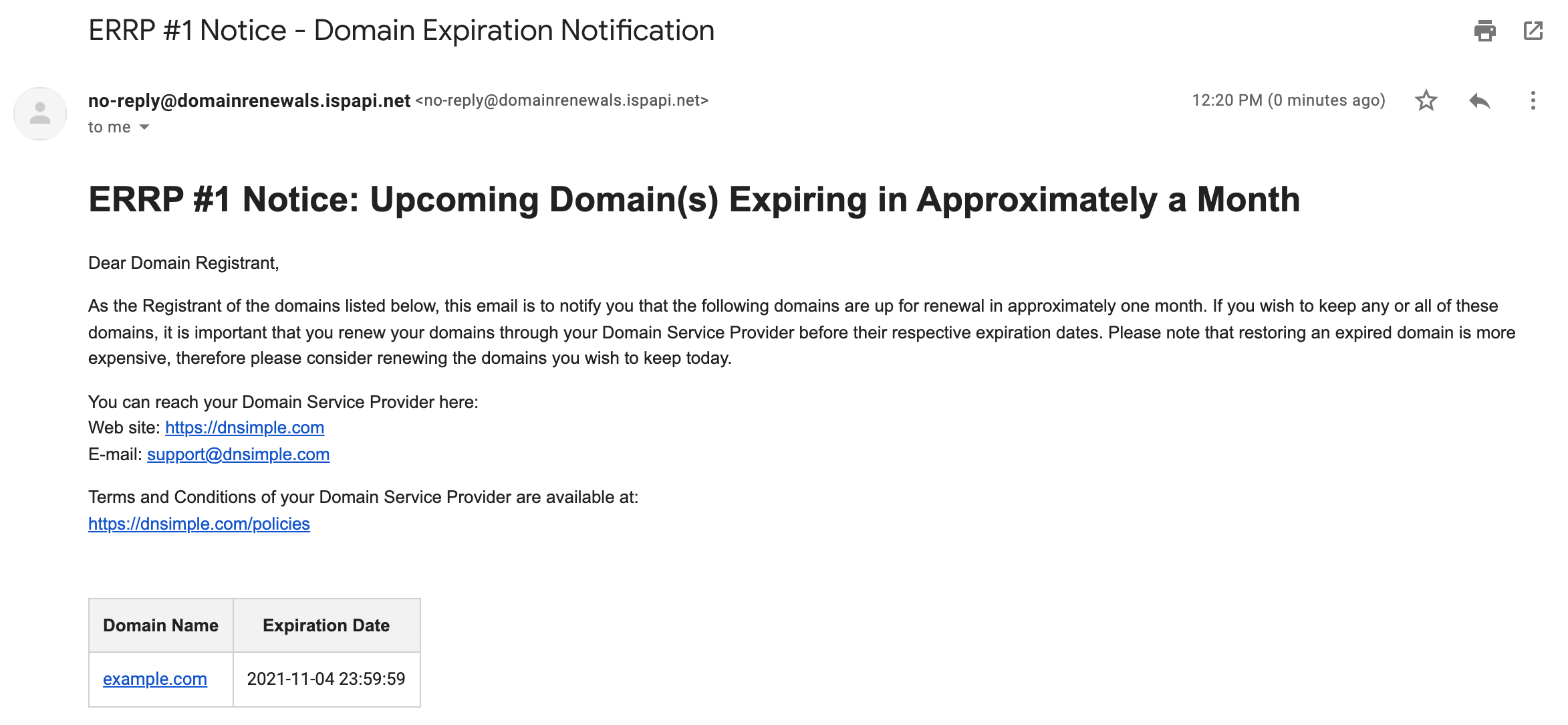
These emails will be sent from one of these addresses: <donotreply@name-services.com> or noreply@expirationwarning.net.
If your domain is set to auto-renew, you can safely disregard the notification.
Disabling Expiration Notifications
At this time, you cannot disable these notifications.
These notifications are required by ICANN policy and cannot be disabled because they serve as a legal and regulatory requirement to inform domain owners about expiration. The notifications are sent to the registrant email address on file, so if you need to change where notifications are sent, you must update the registrant contact information for the domain.
Have more questions?
If you have any questions about expiring domain email notifications, just contact support, and we will be happy to help.