What Is Resolution Status?
Last updated
The resolution status of a domain refers to the name servers currently configured for it at the domain registry. These name servers are the authoritative servers responsible for answering all DNS queries for your domain, so the resolution status tells the internet where to find your domain’s records. If they are DNSimple’s name servers, DNSimple’s DNS hosting answers those queries with the records in your account.
Resolution status in your DNSimple account
The resolution status you see in DNSimple depends on where your domain is registered:
Domains registered with DNSimple
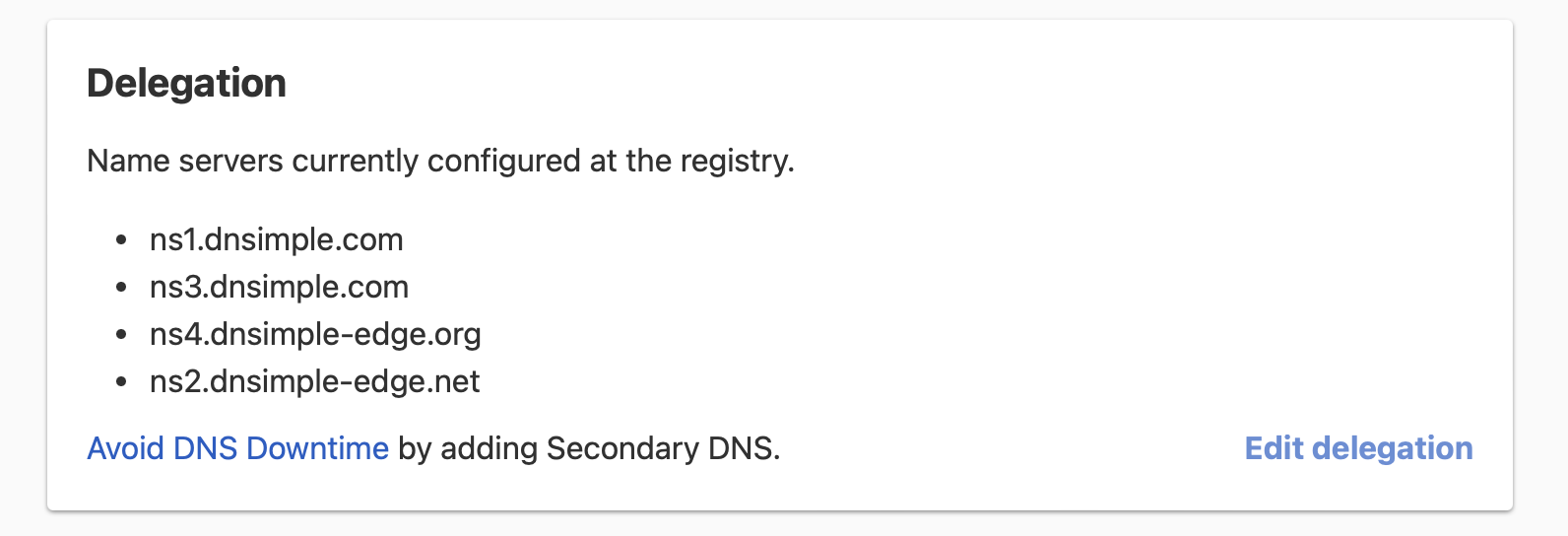
If you registered the domain directly with us, we set the name servers to DNSimple by default. To see them, open the domain’s tab and look at the card, which lists the name servers currently configured at the registry.
If you change the name servers to another provider, the card lists those instead.
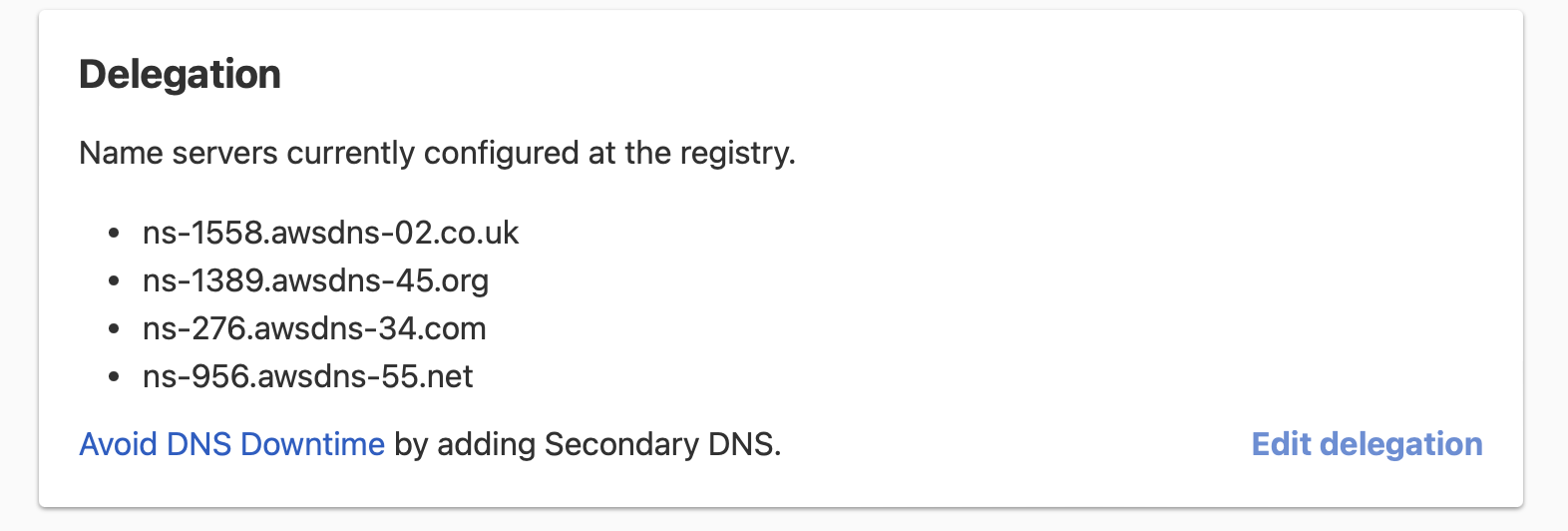
If you transfer a domain to us, we do not change the name servers unless you select on the transfer page. Otherwise, switch them to DNSimple yourself if you want us to host your DNS.
Domains registered with another registrar
If your domain is registered with a third-party registrar and you use DNSimple only for DNS hosting, there is no card. You can check the name servers at your registrar, or with a public WHOIS lookup.
When you change the domain’s DNS in DNSimple while it is delegated to other name servers, DNSimple shows a Domain Resolution Check warning that lists the name servers the domain is resolving with. See Verify Domain Resolution.
Active and inactive DNS zones
Delegation is only half of the picture. The domain’s DNS zone in DNSimple must also be active to answer queries. If the zone is inactive, DNSimple’s name servers do not answer for it, even when the domain is delegated to them. See Activate and Deactivate a DNS Zone.
Next steps and troubleshooting
Understanding your domain’s resolution status is the first step in ensuring your DNS is configured correctly.
- To learn how to check your domain’s resolution status, see Check Resolution Status.
- To point a domain registered with DNSimple to DNSimple’s name servers, see Delegate a DNSimple-Registered Domain to DNSimple.
- To delegate a domain registered elsewhere to DNSimple, see Delegate a Domain from Another Registrar to DNSimple.
If you are experiencing issues with domain resolution, see Troubleshoot Domain Resolution Issues or Troubleshoot DNSimple Name Servers for comprehensive troubleshooting guidance.
Have more questions?
If you have any questions about resolution status or pointing your name servers to DNSimple, contact support, and we will be happy to help.