How to Install an SSL Certificate on NGINX
Table of Contents
With DNSimple you can request an SSL certificate that you can install on NGINX to enable HTTPS for a site.
Tip
Before you start, review information and prices about our SSL certificates. Most common questions are answered in the SSL certificates FAQ.
Obtain the SSL Certificate
If you have not already purchased an SSL certificate, follow the guide to ordering an SSL certificate. You can also use a free Let’s Encrypt certificate. Once the certificate has been issued, return to this page for the installation steps.
Install the SSL Certificate on NGINX
Steps to install the certificate on NGINX
- Log into DNSimple with your user credentials.
- If you have more than one account, select the relevant one.
- On the header menu, click the tab, locate the relevant domain, and click on the name to access the domain page.
- Select the SSL Certificates tab and click on the certificate you want to install.
-
Click .
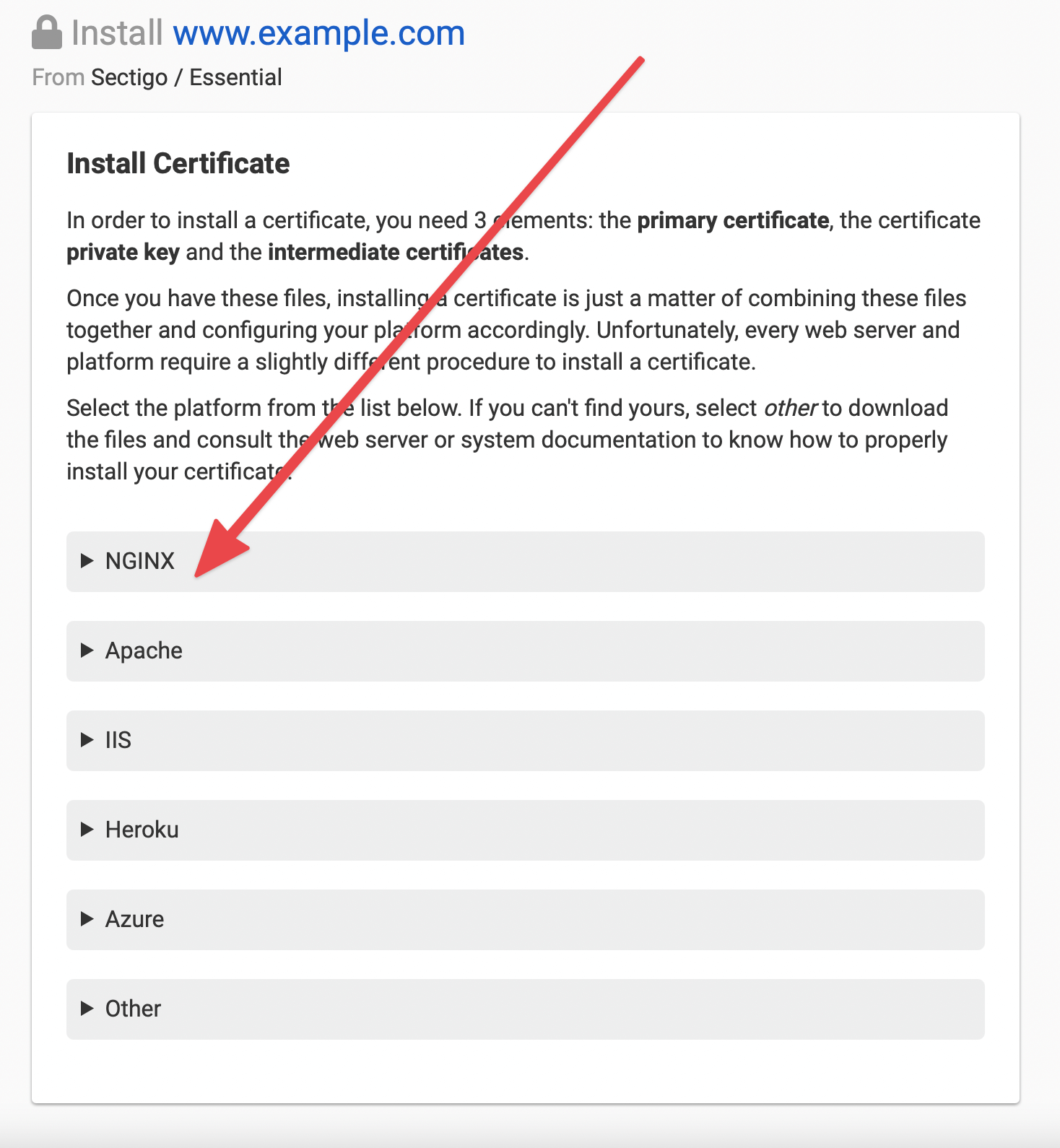
- Click the NGINX section in the installation wizard.
- Follow the instructions presented by the wizard, which will provide the certificate files and NGINX configuration directives you need.
- Copy the provided certificate bundle and private key files to your NGINX server.
- Update your NGINX server block configuration to reference the certificate files, then reload NGINX to apply the changes.
Have more questions?
If you have additional questions or need any assistance installing your SSL certificate on NGINX, just contact support, and we’ll be happy to help. You can also read more about SSL certificates at DNSimple.