AWS Lightsail One-click Service
Last updated
Table of Contents
AWS Lightsail runs virtual servers on AWS. The AWS Lightsail one-click service adds an A record that points the domain apex to your instance’s static IP address.
Attach a static IP to the instance
An instance’s default public IP address changes when you stop and start it, so attach a static IP first. See AWS’s guide to creating a static IP and attaching it to an instance.
Add the AWS Lightsail service
To add the AWS Lightsail service
- From the domain list, click the domain name.
- Click the tab on the left side.
-
In the card, click , or if the domain already has a service.
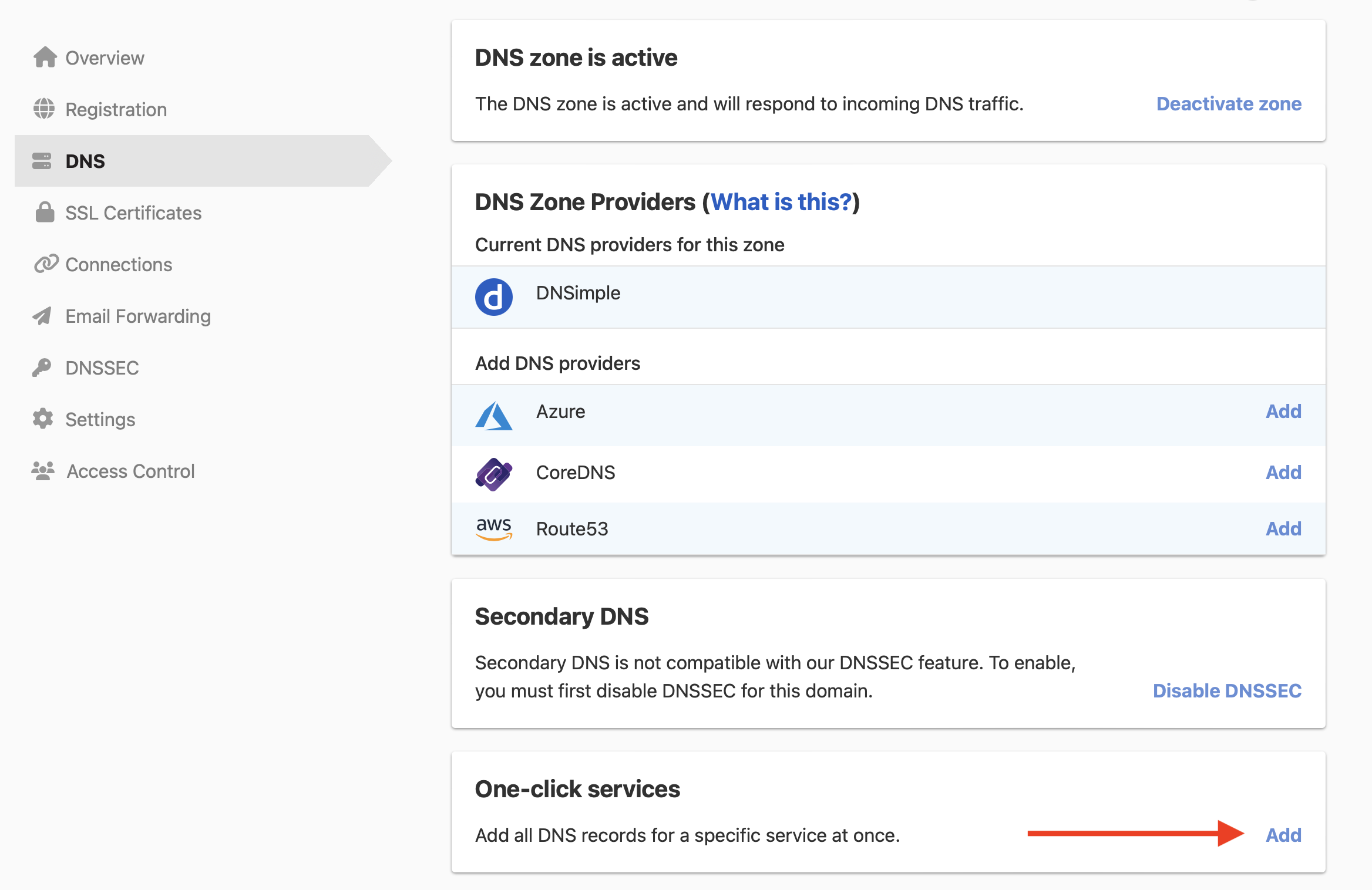
-
Click the tab, and click next to AWS Lightsail.

- In , enter the instance’s static IP address.
- Click .
To remove the service later, see Remove a one-click service.
Have more questions?
If you have additional questions or need any assistance with the AWS Lightsail service, contact support, and we’ll be happy to help. You can also read more about DNSimple integrations.