Create a Record Deletion Note
Last updated
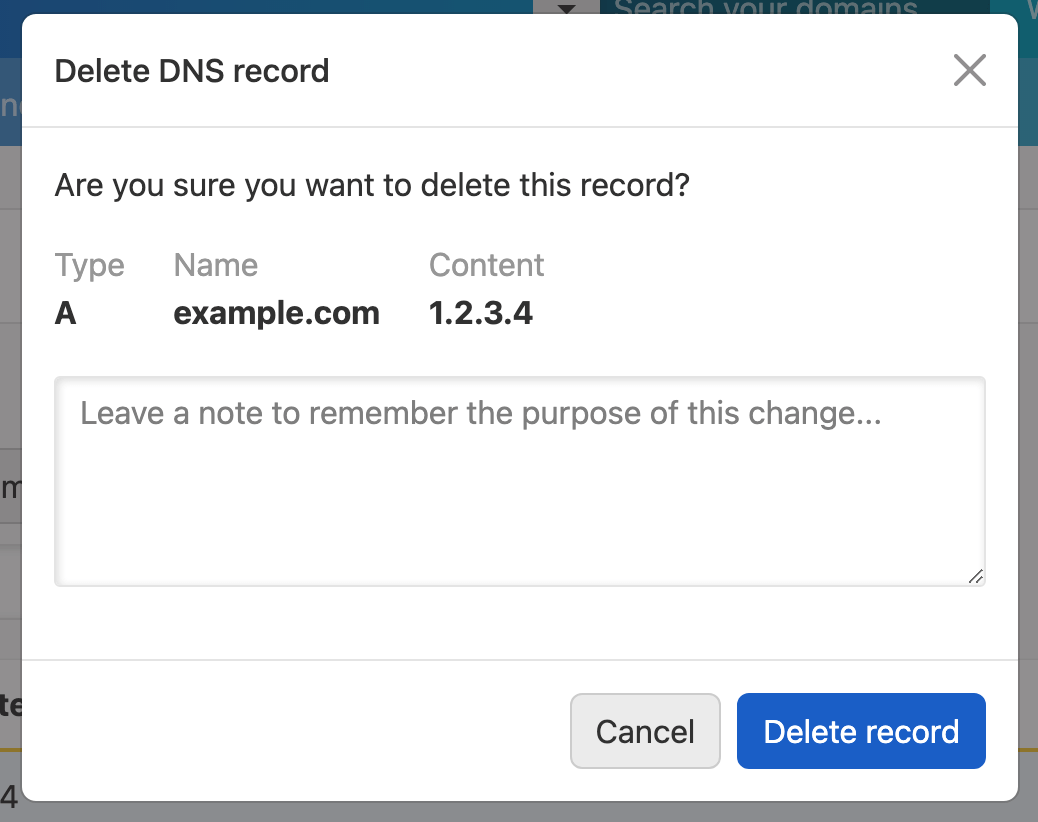
When deleting a record, you can also include a note to help you remember why you deleted it. The note is saved in the domain’s activity with the deletion.
How to create a record deletion note
To add a note when deleting a record
- Open the record editor for the relevant domain.
- In the list of DNS records, locate the record you want to delete.
- Click the three-dot actions menu at the end of the record row, then select .
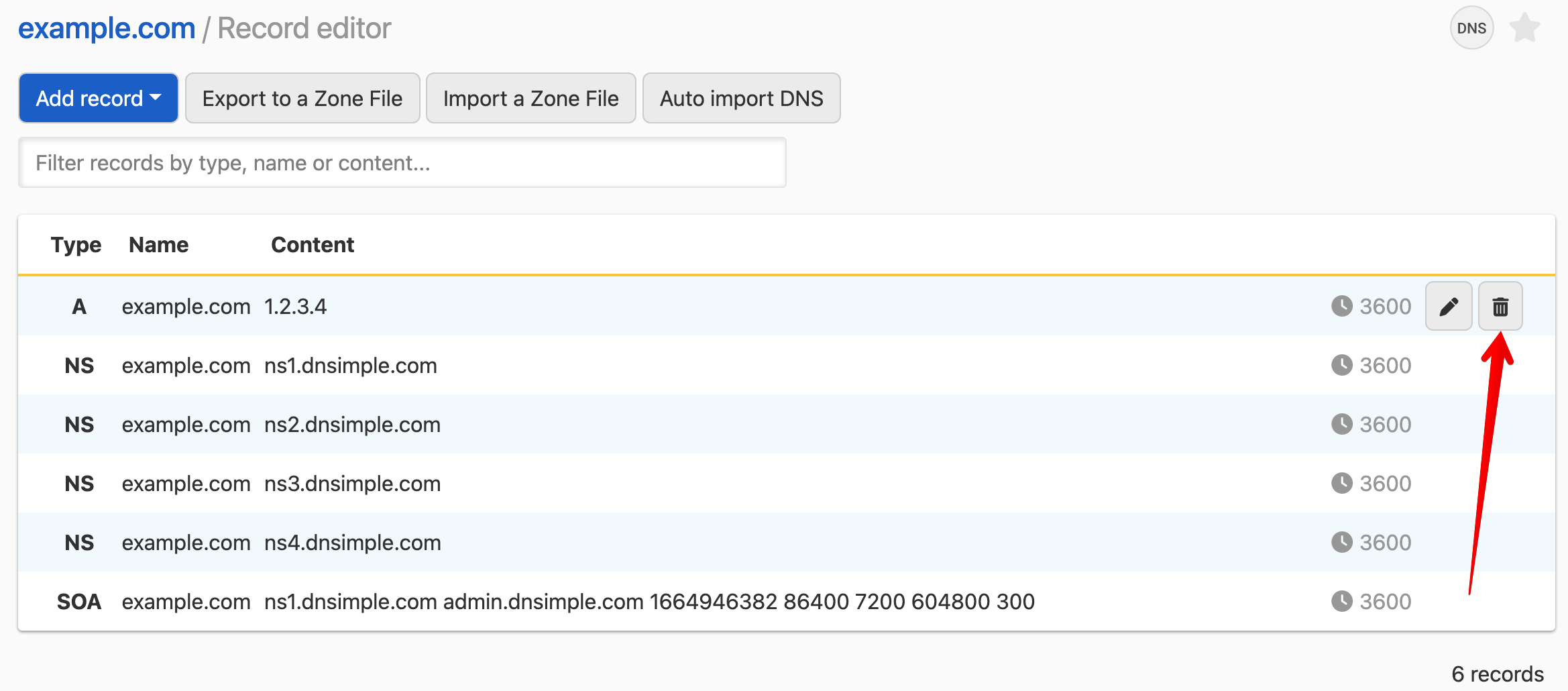
- In the dialog, enter a note explaining the reason for the deletion, then click .
Have more questions?
If you have additional questions or need any assistance creating record notes, just contact support, and we will be happy to help. You can also read more about DNS hosting at DNSimple.