Check Resolution Status
Last updated
The resolution status shows the name servers currently configured at the registry. Name servers are responsible for answering DNS queries for your domain. They are essential for your domain to function correctly.
Domains registered with DNSimple
If you registered the domain with us, we automatically set the name servers to DNSimple. To find this information:
- If you have more than one account, select the relevant one from the account switcher at the top-right corner of the screen.
- On the header, click the tab.
- Locate the relevant domain, and click on the name to access the domain page.
- Click the tab. The name servers are listed in the card.
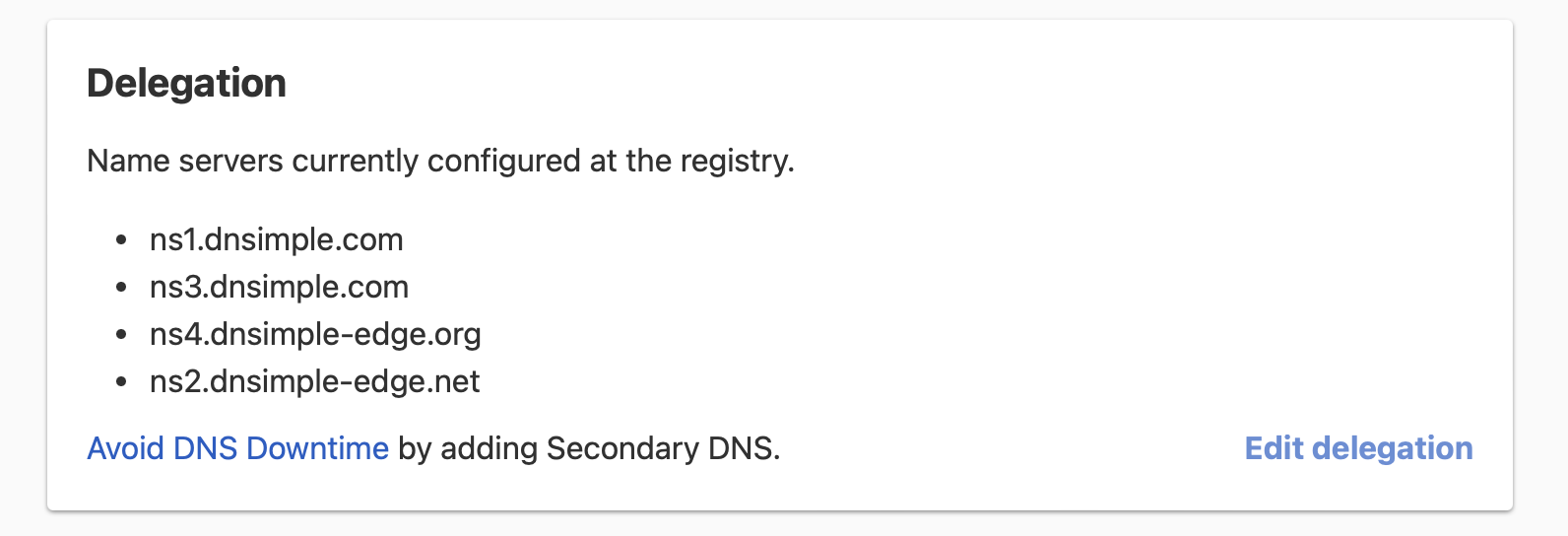
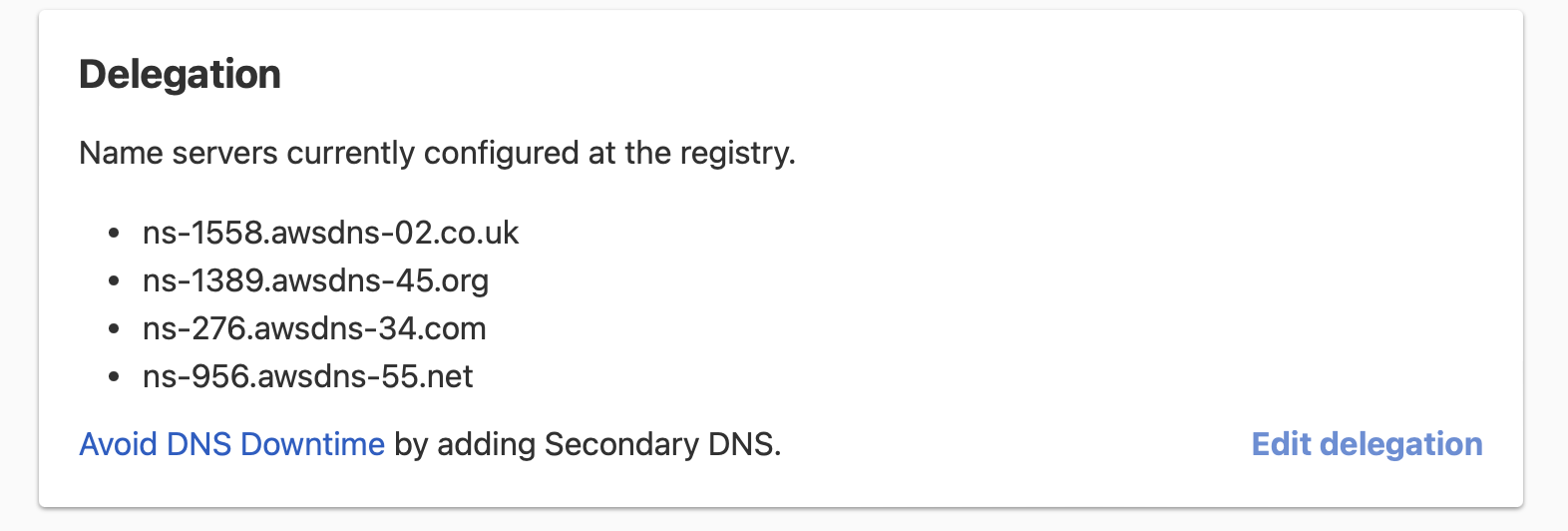
If you updated the name servers to another provider, those will appear as well.
Warning
If you transferred the domain to us, we only switch your name servers to DNSimple if you selected when you started the transfer. Otherwise, you can switch the name servers to DNSimple at any time.
Domains registered with another registrar
If the domain is registered with another registrar and you are using DNSimple only for DNS hosting, the domain page does not list its name servers. If the domain is not delegated to DNSimple, the record editor shows a Domain Resolution Check message that lists the name servers the domain is currently resolving with.
You can also check the name servers yourself with the public WHOIS lookup, or with dig:
dig example.com NS +short
If you would like to transfer the domain registration to us, follow these instructions.
If you are experiencing issues with domain resolution, see Troubleshoot Domain Resolution Issues or Troubleshoot DNSimple Name Servers for help. For more information about DNSimple name servers, see DNSimple Name Servers.
Have more questions?
If you have any questions about resolution status or pointing your name servers to DNSimple, contact support, and we will be happy to help. You can also read more about DNS hosting at DNSimple.