I Can’t Find My Domain
Table of Contents
If you are looking for a domain in your DNSimple account and cannot find it, the domain is likely in a different account than the one you are logged into. The two most common causes are domains registered through an integration partner and forgotten accounts.
Domain registered through an integration
If you registered a domain through ClickFunnels or another integration partner, the domain is owned by the integration partner’s reseller account - not yours. This means the domain will not appear in any account you have access to.
To gain control of the domain:
- Contact the integration partner (for example, billing@clickfunnels.com for ClickFunnels) and request that they release the domain to your DNSimple account.
- The partner will initiate a domain push to move the domain into your account.
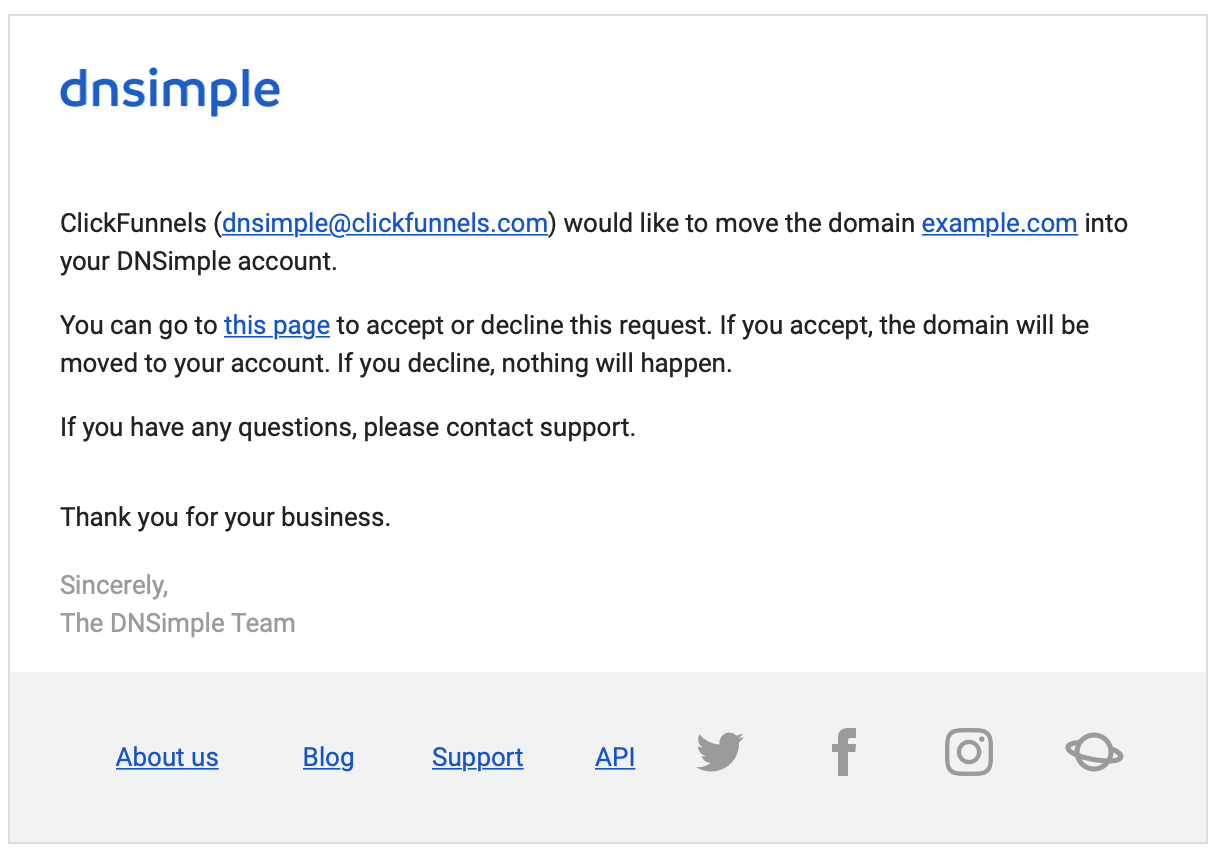
- You will receive an email from DNSimple when the domain push is pending. Accept the move from your dashboard.
Note
You will need an active DNSimple account with a subscription to accept the domain push. If you do not have one, create an account and choose a plan before requesting the move.
Domain in another account
If you have multiple DNSimple accounts or created a second account with a different email address, the domain may be in the other account.
To check:
- Open the account switcher in the top-right corner of the dashboard and look at each account listed. The domain may be in an account you are not currently viewing.
- If you think you may have used a different email address, try logging in at app.dnsimple.com/login with that email. Use the password reset flow if you do not remember the password.
- If you still cannot locate the domain, contact support with the domain name, and we can help you find which account it belongs to.
Have more questions?
If you have any questions about locating a domain in your account, contact support, and we’ll be happy to help. You can also read more about domain registration at DNSimple.