Sync Integrated Zone Records
Last updated
Table of Contents
A sync makes a zone’s records at one DNS provider match the records at another. When the records at DNSimple and your Integrated DNS Providers differ, the Record Editor shows a warning with a button. You pick the source and the destination, and DNSimple changes the destination to match the source. What Are Integrated DNS Providers? explains how they work.
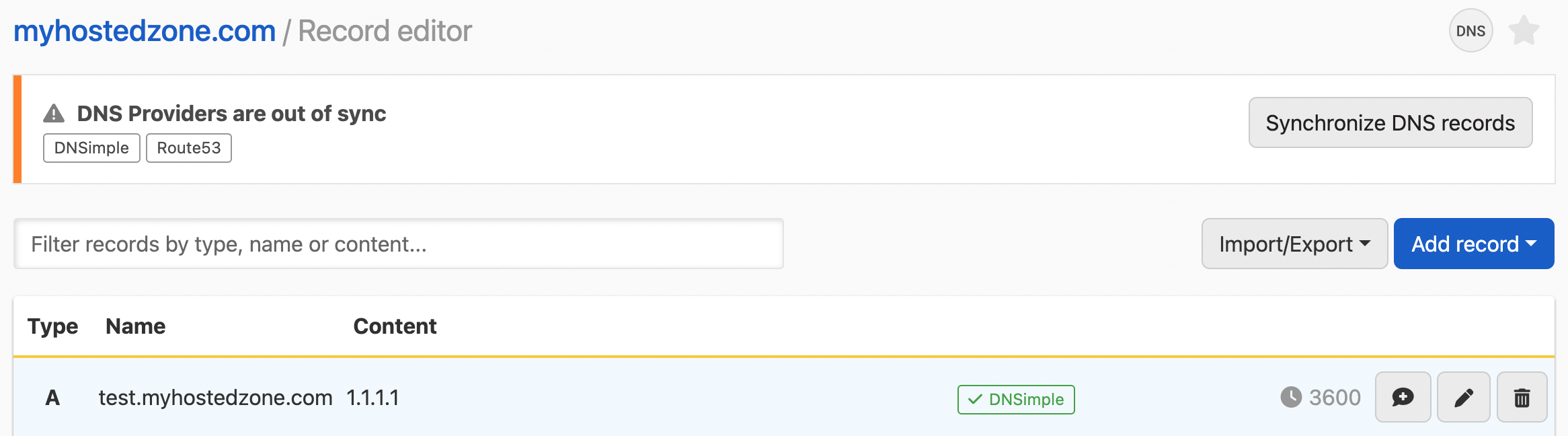
Syncing zone records
Warning
A sync deletes records at the destination that are not at the source. Check both sides before you confirm.
To sync a zone
- If you have more than one account, select the relevant one from the account switcher at the top-right corner of the screen.
- From the list, click the domain you want to manage.
- Click at the top-right of the domain page.
-
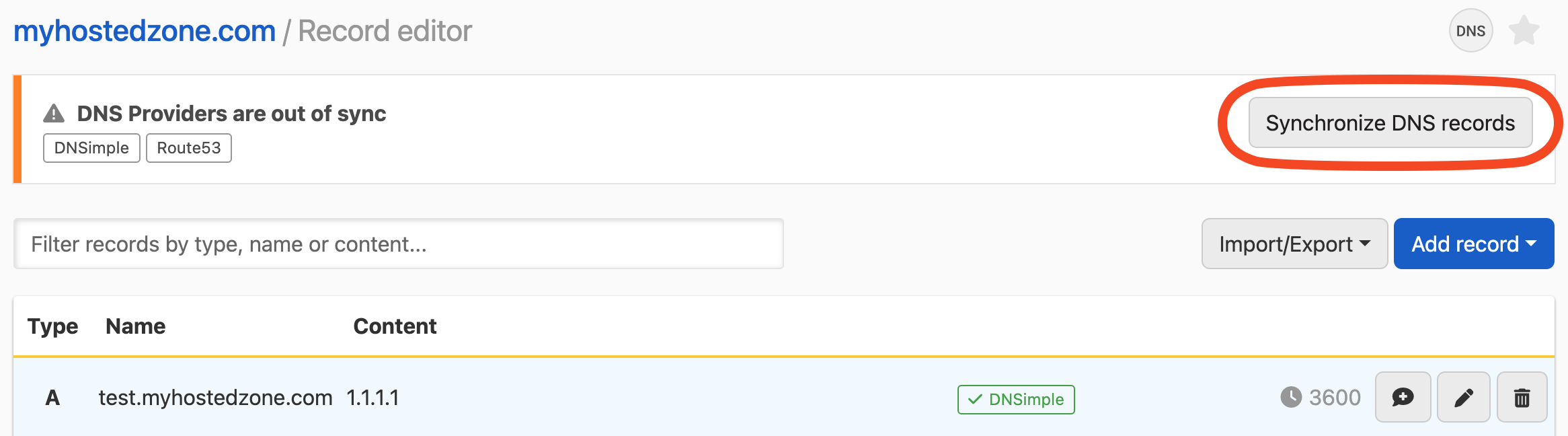
In the warning, click .
- Choose the : the provider whose records you want to keep. Integrated DNS Providers are listed by provider and nickname, such as
Route53 - AWS production. - Choose the : the provider to change.
-
Type
delete and synchronizeto confirm, then click .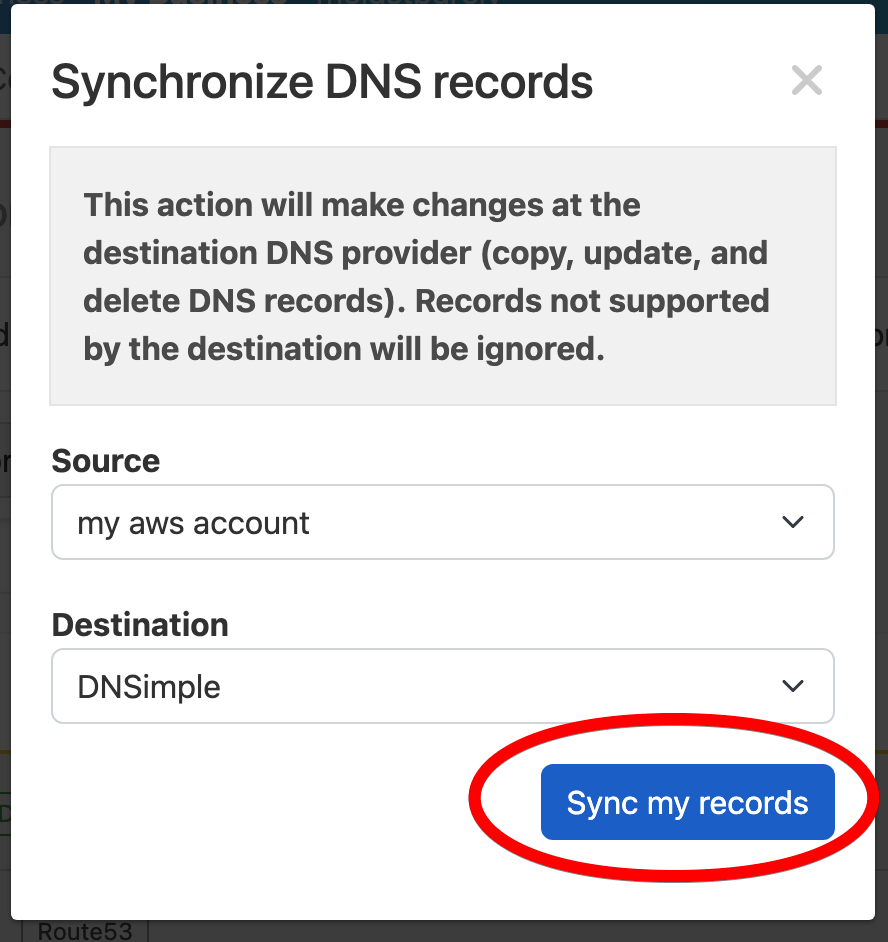
You do not need to import the provider’s records first. When an Integrated DNS Provider is the source, the sync loads its current records before copying them.
What happens during the sync
- Records at the destination are created, updated, and deleted so they match the source.
- Only record types that both providers support are synced. Records of a type the source does not support are left as they are at the destination. Each provider’s reference lists its record types: Route 53, Azure DNS, CoreDNS.
- Only record details that DNSimple supports, such as the TTL, are kept.
- When Azure DNS is the destination, the Azure name server records at the zone apex are kept, and any NS records from the source are added to them.
CoreDNS is not listed as a source or destination. It loads the zone from DNSimple on its own refresh interval. See Use CoreDNS as an Integrated DNS Provider.
If something does not work as expected, see Troubleshoot Integrated DNS Providers.
Have more questions?
If you have additional questions or need any assistance with your integrated zone records, contact support, and we will be happy to help. You can also read more about DNSimple integrations.