Disabling DNSSEC
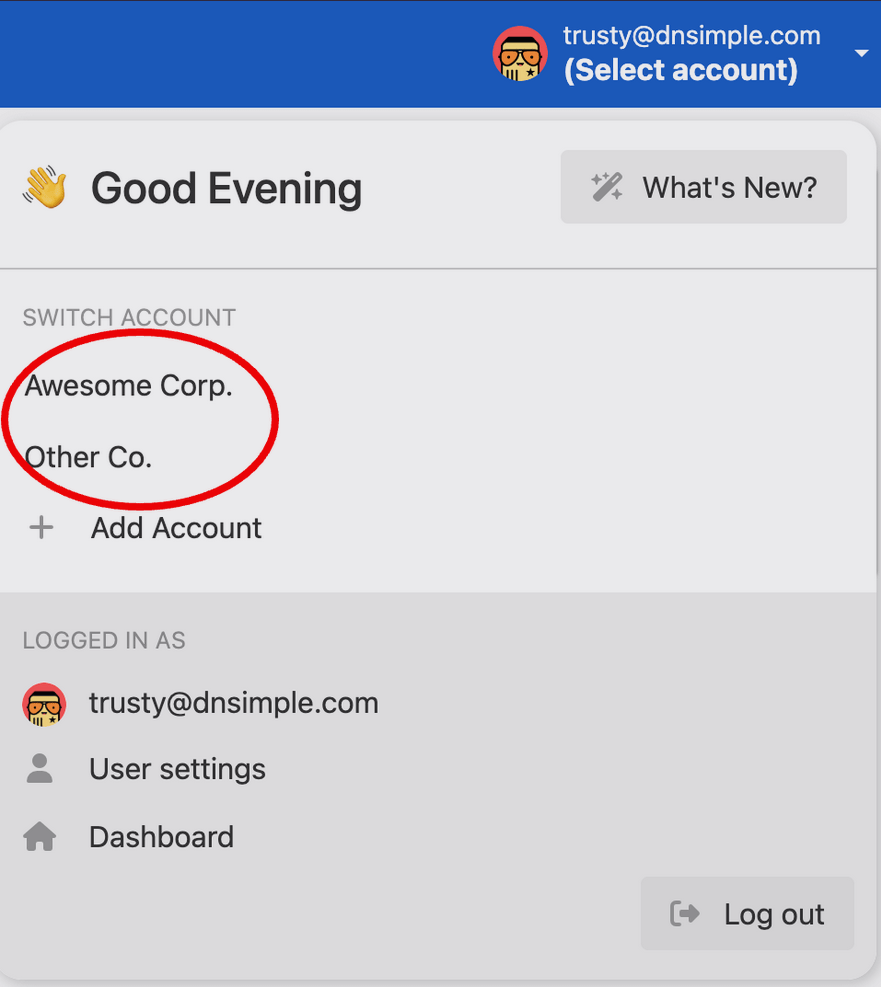
- Select the correct account in the account switcher at the top right.
- From your Domain Names list, click the name of the domain you want to disable DNSSEC on.

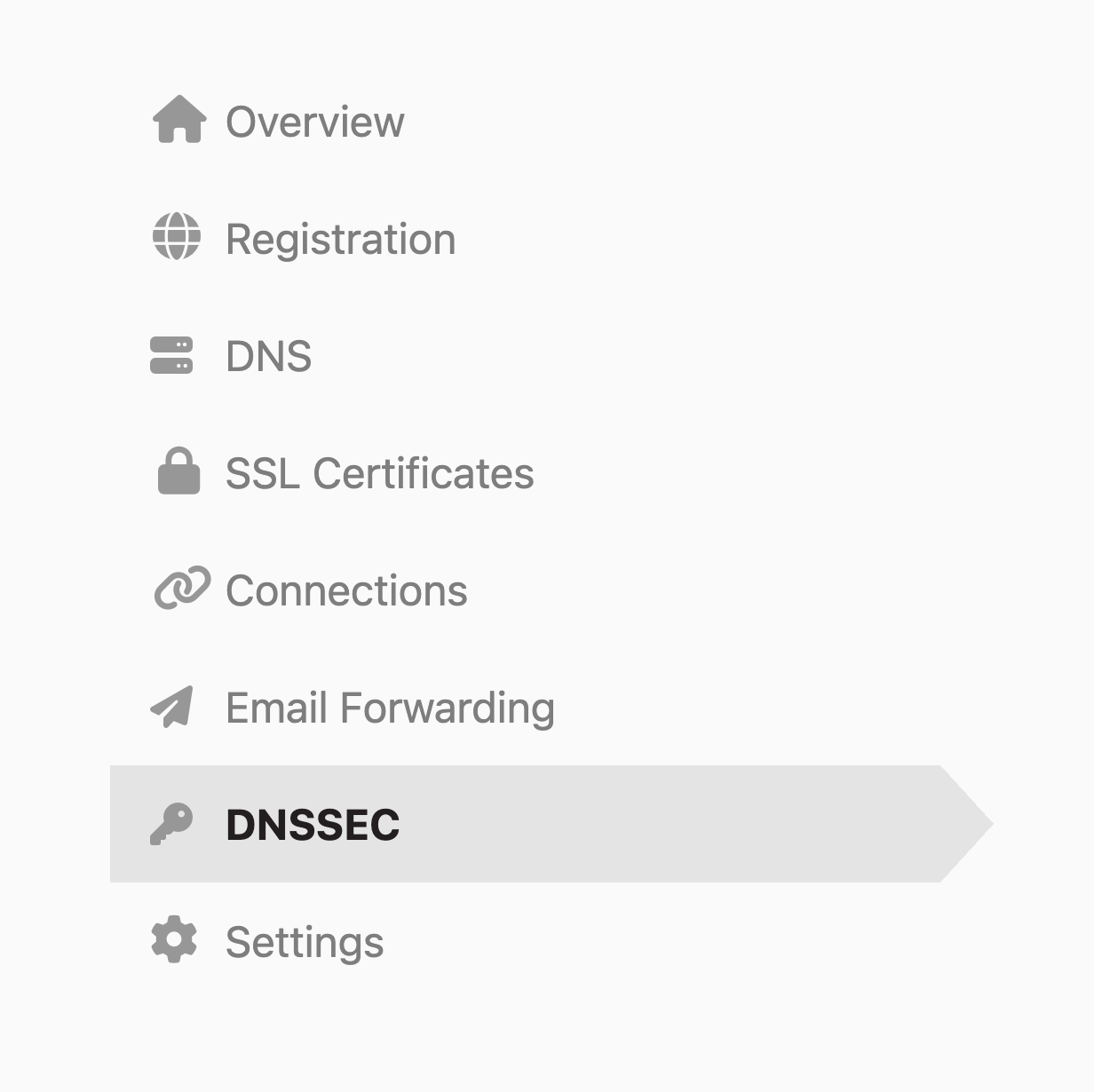
- Click the DNSSEC tab on the left side.
- On the Disable DNSSEC card, click Disable DNSSEC.
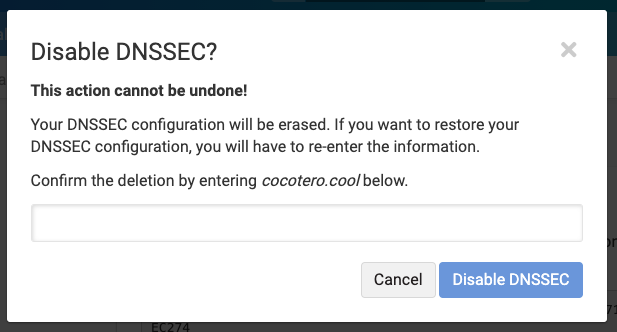
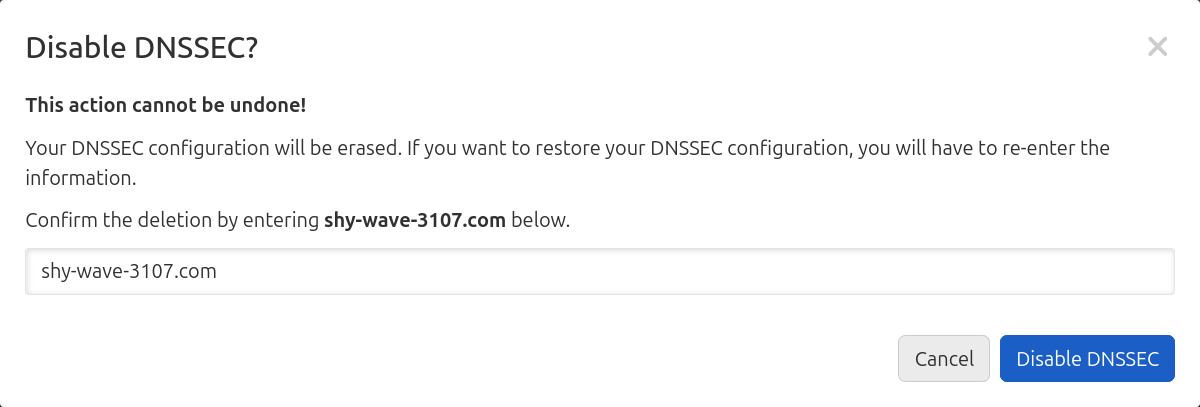
- Enter the domain to verify, and click Disable DNSSEC again to remove the zone signing (and the DS record if it is present in DNSimple).
Note
To learn how to disable DNSSEC with the API, check out our developer documentation.
Important timing considerations
Tip
TTL and propagation delays: When you disable DNSSEC, it can take 24 to 48 hours for the process to completely finish. This is because of TTL (Time-to-Live) values, which control how long DNS records are cached. During this time, our system ensures that all DNSSEC-related records are properly torn down so that your zone continues to resolve correctly. The complete disable process will not finish until the TTL has expired and all DNSSEC records have been fully removed from the DNS system.
If your domain is not registered with DNSimple, you must also remove the DS records at your domain registrar. The DS record removal at the registrar level is also subject to TTL propagation delays. For step-by-step instructions on removing DS records, see Adding and Removing DS Records.
Troubleshooting
If you encounter issues after disabling DNSSEC, see Troubleshooting DNSSEC Configurations for comprehensive guidance. For information about managing DS records when changing DNS providers, see Managing DS Records When Changing DNS.
Learn more
To learn more about DNSSEC, see What Is DNSSEC?. For information about enabling DNSSEC, see Enabling DNSSEC. For information about DS records and how they work, see What Are DS Records?. To understand TTL and how it affects DNS record propagation, see What Is Time-to-Live?. For a complete overview of DNSSEC at DNSimple, see DNSSEC at DNSimple.
Have more questions?
If you have any questions or need assistance disabling your DNSSEC, contact support, and we will be happy to help.